
Goa Games Apk File Information
Review the listed application specifications before downloading the APK file.
Goa Games Apk
Android Application Package
Specifications reflect the supplied listing. Verify the downloaded package and device compatibility.
Goa Games Apk Download for Android
Explore Goa Games Apk version 1.0 for Android. Find application information, file specifications, screenshots, and installation instructions in one convenient place. Review the details before downloading the application package.
Version 1.0 · 10.2 MB · Android · Free
About Goa Games Apk
Learn about the Android application, its specifications, and installation process.
What Is Goa Games Apk?
Goa Games Apk is an Android application listed under the Goa Games developer name. This website provides a dedicated information and download page where visitors can review the application's file details, version number, screenshots, and installation instructions.
The application is listed as version 1.0, with a file size of 10.2 MB and an update date of October 7, 2026. The supplied specifications identify Android as the platform, Android 5.0 as the minimum Android version, Android 14 or higher as the target, English as the language, and Free as the license.
Goa Games Apk Download Information
Before downloading an Android application, it is helpful to review its file format, version, size, and compatibility information. This page presents the available specifications in a clear format so visitors can understand the listed details before opening the download.
APK stands for Android Package Kit. It is a file format used to distribute and install applications on Android devices. APK files should only be installed when their publisher and application identity can be verified.
Application Details and Mobile Access
The Goa Games Apk listing includes information about the developer, application version, update date, file size, language, minimum Android version, target Android version, and file format. Visitors can also explore screenshots to preview the application's mobile interface.
Android installation options may differ depending on the device manufacturer and operating system. Before installing an APK, users should review the requested permissions and confirm that the file is compatible with their device.
How to Download and Install Goa Games Apk
Select the Download APK button on this page to access the configured application file. Once downloaded, verify the package identity and confirm that it comes from a trusted source.
After verifying the file, open it on your Android device and follow the installation instructions. If Android displays a security warning, review the warning carefully before deciding whether to continue.
Goa Games Apk Features
Explore the information and resources available on this APK download page.
Android Application
Review the listed application details, platform, and operating system.
APK Download Access
Access the configured application package through the download buttons.
Application Screenshots
Preview the mobile application through the available screenshots.
Installation Guide
Follow the Android APK installation instructions provided below.
Version Information
Check the listed version number, update date, and file size.
Helpful FAQs
Find answers to common questions about APK files and installation.
How to Install Goa Games Apk
Follow these three steps to download, verify, and install the application package.
Download the APK
Click Download APK to open the configured application file.
Verify the File
Confirm the publisher, application identity, and requested permissions.
Install on Android
Open the verified APK and follow the installation instructions on your device.
Goa Games Apk Screenshots
Explore the mobile interface through the screenshots below.
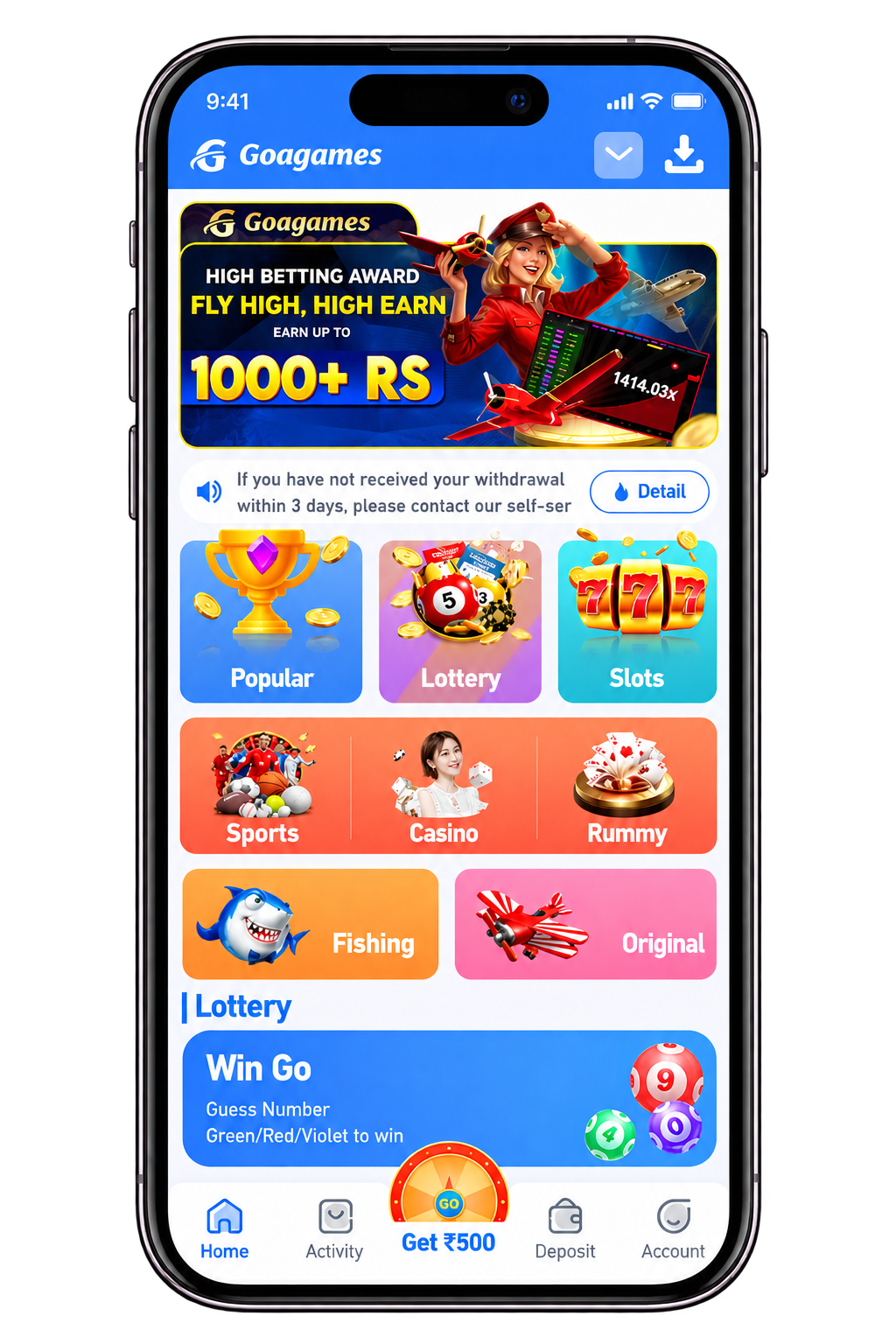
Home Screen
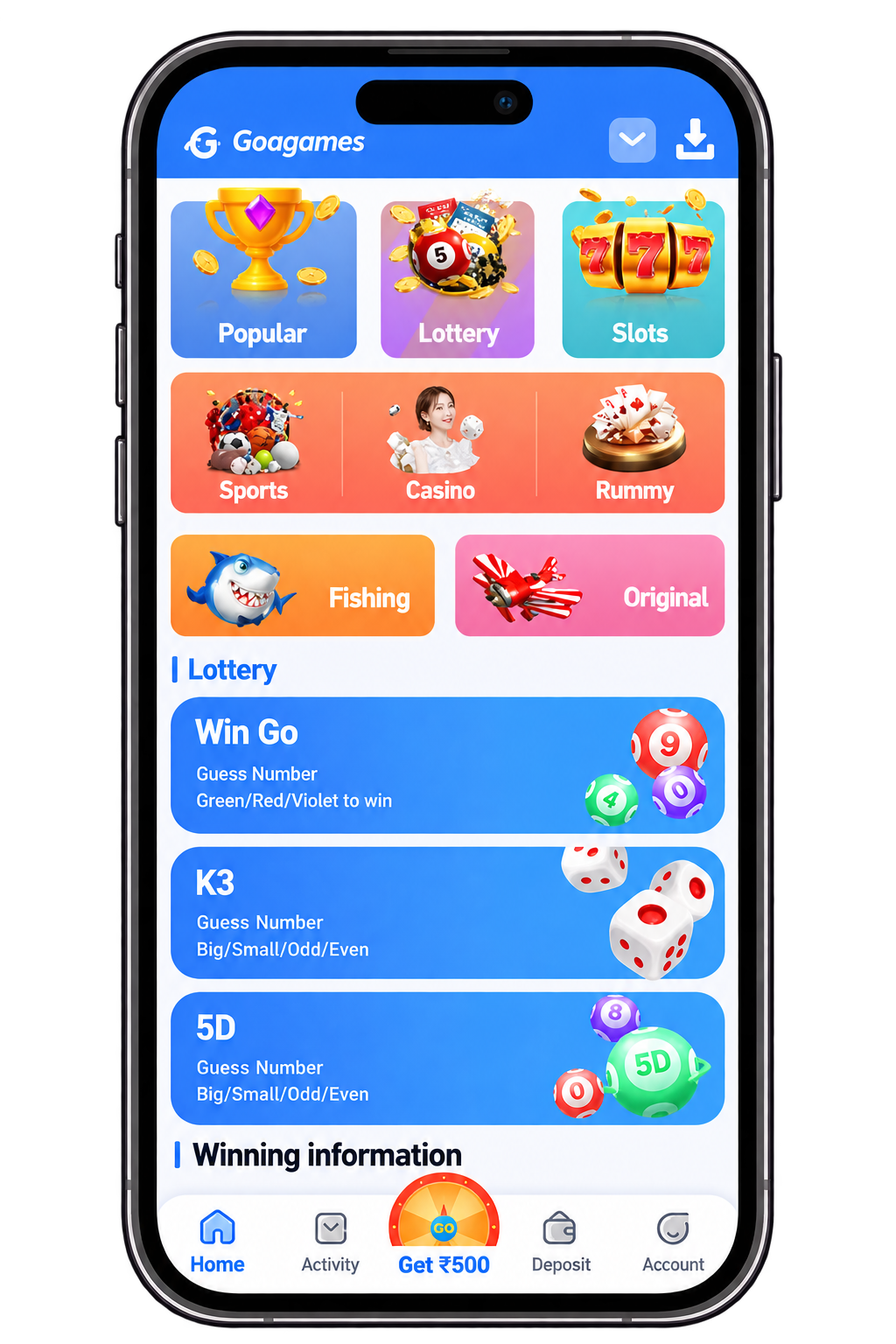
Mobile Interface
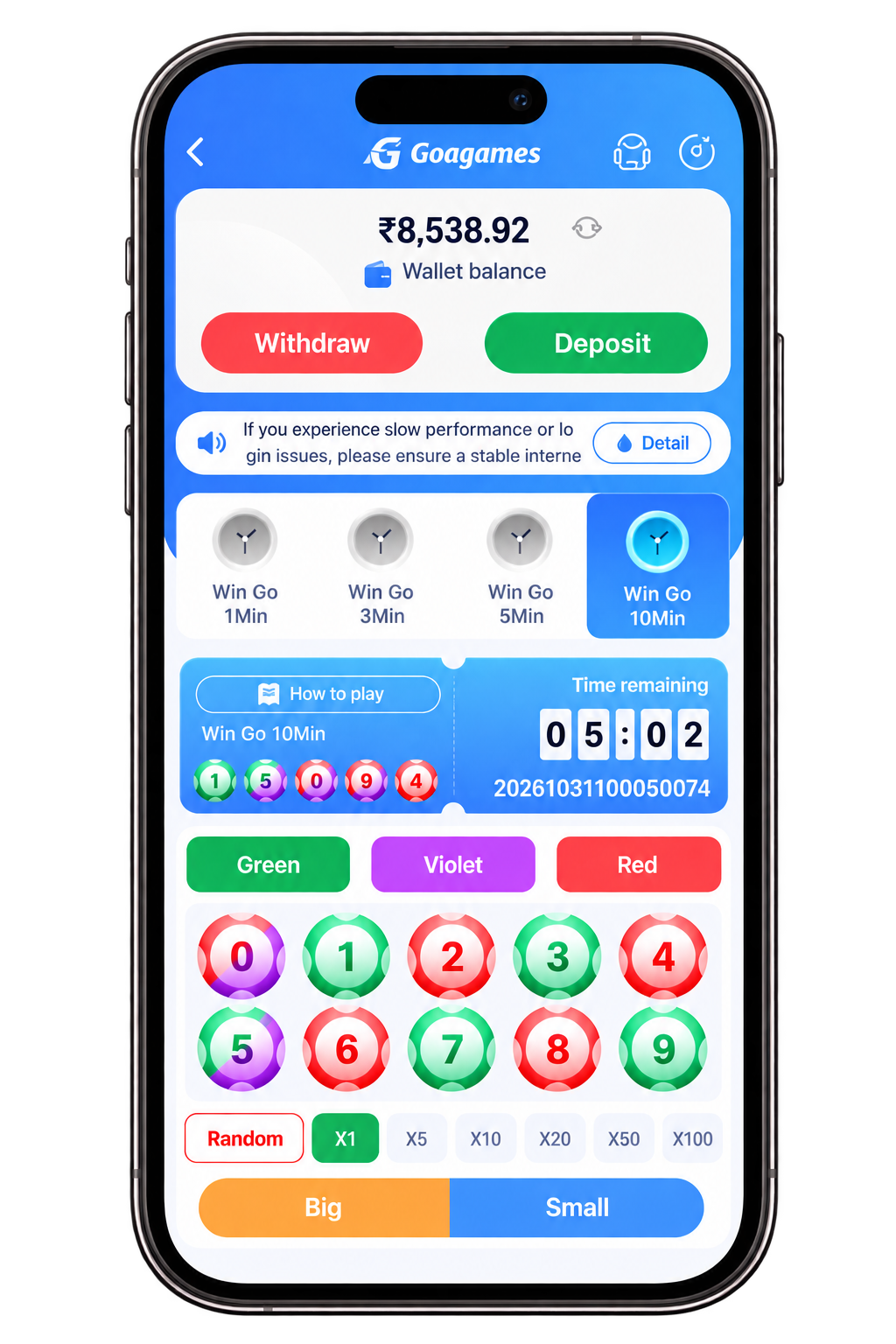
App Navigation
Frequently Asked Questions
Answers to common questions about Goa Games Apk and Android installation.
What is Goa Games Apk?
Goa Games Apk is the name used for this Android application listing. This page provides file details, screenshots, installation instructions, and download access.
What is the listed application version?
The listed version is 1.0, updated October 7, 2026.
How large is the APK file?
The listed file size is 10.2 MB. Check the downloaded file to confirm its size.
Which Android version is supported?
The listed minimum Android version is Android 5.0, and the target Android version is Android 14 or higher. Actual compatibility should be confirmed against the APK manifest and your device.
Is Goa Games Apk free?
The supplied application listing identifies the license as Free. Some services or features may have separate requirements.
What language is listed?
English is the listed application language.
Can I install the APK on an iPhone?
No. APK files are intended for Android devices and cannot be installed directly on iOS.
How do I download Goa Games Apk?
Click any Download APK button on this page. Verify that the downloaded package matches the application you intended to obtain.
What if installation fails?
Check that the file downloaded completely, the application is compatible with your device, and the package comes from a trusted publisher.
Download Goa Games Apk for Android
Review the application details and access the configured Android APK file. Confirm the downloaded package's identity before installing it on your device.
Download APKAPK (.apk) · Listed Size: 10.2 MB · English